Issuing a certificate is only one moment in a much longer record lifecycle. The real operational test comes later: when a learner asks for a copy, an employer wants to verify the credential, a training programme changes, or a reviewer asks how the record was created.
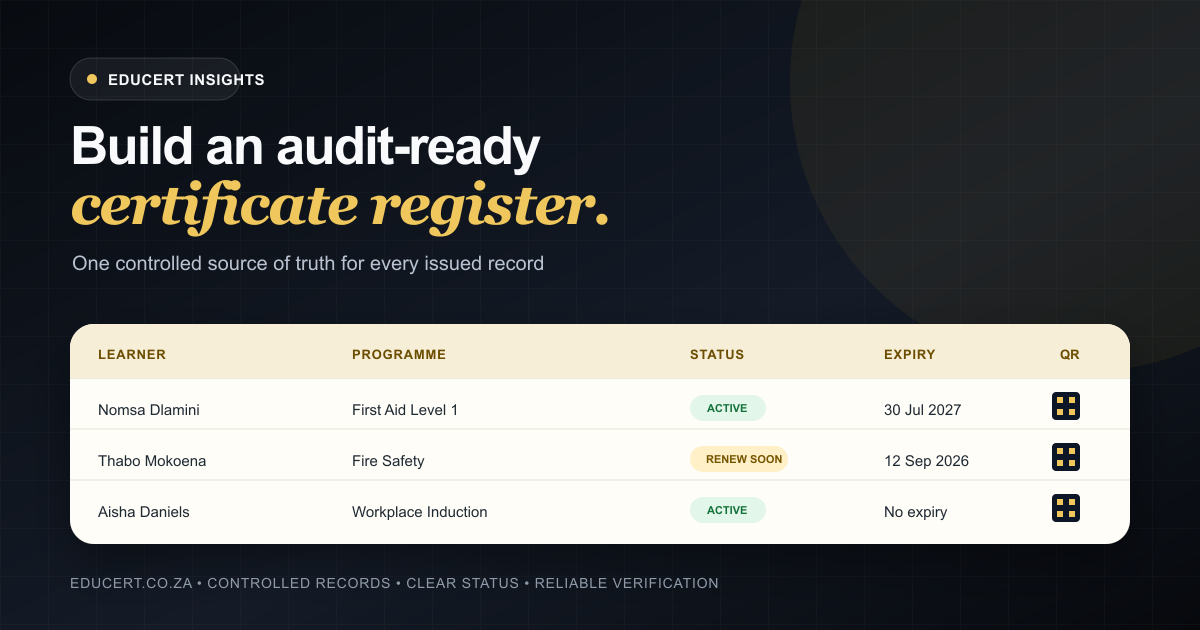
A reliable certificate register gives your team a consistent answer. It connects the person, programme, issue event and supporting evidence in a way that can be found and understood without reconstructing the history from email attachments and spreadsheets.
This guide sets out a practical starting point for South African training providers and compliance-minded teams. The goal is not to prescribe a single legal format. It is to help you build certificate records that are complete, traceable and useful when evidence is needed.
Why scattered certificate records become a risk
Many teams begin with a workable combination of Word templates, exported PDFs, shared folders and a spreadsheet. That approach can issue certificates quickly, but it often becomes difficult to control as volumes grow.
Common warning signs include:
- certificate numbers being created manually or reused accidentally;
- several versions of the same template circulating between team members;
- recipient names being corrected on a PDF without a matching record of the change;
- expiry dates living in a separate spreadsheet with no link to the issued certificate;
- verification requests depending on one person searching through folders;
- revoked or replaced certificates remaining indistinguishable from active ones.
The problem is not simply that files are stored in different places. It is that the relationships between them are informal. A reviewer may see a certificate, but not the controlled process or source record behind it.
Define the minimum reliable record
Before selecting software or redesigning templates, agree on the fields that every issued certificate record must contain. Your exact requirements may vary by programme, accreditation context and internal policy, but a useful baseline includes:
| Record area | Recommended information |
|---|---|
| Recipient | Full name, relevant identifier, and contact details where appropriate |
| Programme | Programme title, internal code, version, and relevant external reference |
| Achievement | Completion or assessment outcome and any applicable level or unit |
| Issue event | Certificate number, issue date, issuing organisation, and responsible user |
| Validity | Expiry date or a clear indication that no expiry has been assigned |
| Verification | A public or controlled method for confirming status and key details |
| Record history | Reissue, correction, replacement, revocation, and renewal activity |
Only collect personal information that has a defined operational purpose. Document why each field is needed, who may access it and how long it should be retained. That supports more deliberate, POPIA-conscious data handling than adding fields whenever a new spreadsheet is created.
Use a controlled issuing process
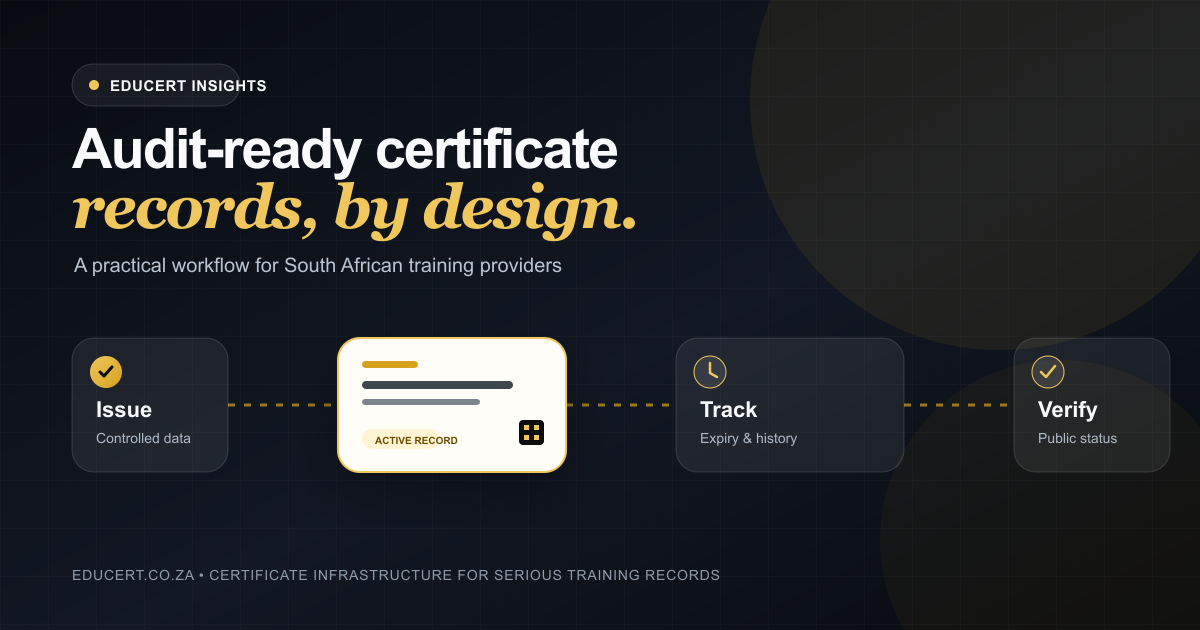
Audit-ready records begin before the PDF is generated. A controlled issue workflow should make it difficult to skip required information and easy to see who performed each action.
1. Confirm the source information
Use an approved source for recipient and programme details. Check names, identifiers, completion dates and results before issuance. If information arrives from several systems, decide which one is authoritative for each field.
2. Use an approved template
Templates should have an owner and a clear status. When branding, wording or programme details change, publish a new controlled version rather than allowing team members to keep editing local copies.
3. Generate a unique certificate number
The number should identify one certificate record and should not be reused after a correction or revocation. Avoid sequences that expose unnecessary personal information.
4. Capture the issue event
Record when the certificate was issued and which authorised user or process issued it. This history is valuable when a mistake must be investigated or a certificate must be replaced.
5. Preserve the relationship
Store the rendered certificate with, or link it directly to, its structured record. The downloadable file, recipient data, programme version and status should not become separate sources of truth.
EDUCERT’s certificate issuing workflow is designed around this relationship: the document is an output of the register, not the register itself.
Make verification part of the record
A certificate can look professional and still be difficult to trust. Static documents are easy to forward, rename or alter, while the person checking them may have no direct relationship with the issuer.
A verification page gives the checker a controlled route back to the issuer’s current record. A QR code or verification link should lead to a page that:
- uses a unique, difficult-to-guess identifier;
- shows enough information to match the document without exposing unnecessary data;
- clearly states the current certificate status;
- identifies the issuing organisation;
- works on a phone without requiring an account;
- does not rely on the PDF itself as the source of truth.
The verification result should also handle exceptions clearly. If a certificate has been replaced, revoked or cannot be found, the page should not present an ambiguous “success” state.
See the EDUCERT verification demonstration for an example of how a public QR workflow can connect a certificate back to its live record.
Track expiry and renewal as lifecycle events
Where training or certification has a validity period, the expiry date should be part of the original record—not added later to a separate reminder sheet.
An effective renewal workflow answers four questions:
- Which records expire within the next agreed planning window?
- Who is responsible for contacting the learner, employer or internal manager?
- Has refresher training or reassessment been arranged?
- What happened to the original record when a new certificate was issued?
Keep the historical record after renewal. Mark its status accurately and link it to the replacement where possible. This preserves the sequence of evidence instead of making the earlier certificate disappear.
Expiry reminders support planning, but they do not determine whether a person remains competent or whether a legal requirement has been met. Those decisions depend on the applicable standards, policies and circumstances.
Control access without blocking useful verification
Internal certificate records and public verification pages serve different purposes.
Your internal register may contain identifiers, contact details, notes and operational history that should be restricted by role. A public verification page should expose only the information needed for a reasonable authenticity check.
Build access around responsibilities:
- issuing users can create records using approved programmes and templates;
- reviewers can inspect records and history without silently changing them;
- administrators can control users, templates and organisation settings;
- public visitors can verify a certificate without seeing the private register.
Review access when staff roles change and remove accounts promptly when access is no longer required. For a broader overview of platform safeguards, see EDUCERT security.
Keep corrections traceable
Mistakes happen. The important question is whether the correction creates a clear history.
Avoid overwriting the only copy of a certificate and leaving no explanation. Instead:
- record the reason for the correction;
- identify who approved or performed it;
- retain the original issue event where appropriate;
- create a new file or version linked to the same underlying history;
- ensure the verification page presents the current valid outcome;
- prevent the superseded document from appearing current.
This approach supports accountability without turning every minor spelling correction into a manual investigation.
A practical certificate record checklist
Use this checklist when reviewing an existing process or preparing to move away from spreadsheets:
- [ ] Every certificate has one unique number and one matching source record.
- [ ] Required recipient and programme fields are defined and consistently completed.
- [ ] Only approved template versions can be used for issuing.
- [ ] The issue date and responsible user or process are recorded.
- [ ] Corrections, replacements and revocations create a visible history.
- [ ] Expiry dates are stored with the certificate record where applicable.
- [ ] Renewal activity remains linked to the earlier certificate.
- [ ] Verification leads back to the issuer’s current record.
- [ ] Public verification reveals only appropriate information.
- [ ] Internal access is based on staff responsibilities.
- [ ] Retention and disposal rules are documented and reviewed.
- [ ] Evidence can be exported or presented without rebuilding it from email and folders.
Move from document production to record infrastructure
The most useful shift is conceptual: stop treating certificate administration as a document-design task and start treating it as record infrastructure.
Templates still matter. Professional PDFs still matter. But they become more dependable when they are generated from a controlled register with consistent data, clear status, lifecycle history and a verification route.
If your current process depends on manual PDF editing and spreadsheet chasing, begin by defining the minimum reliable record. Then make every issue, correction, verification and renewal action strengthen that record instead of creating another disconnected file.
Review EDUCERT pricing or book a demonstration to see how a structured certificate register can support your organisation’s workflow.