When an auditor, client or employer asks for proof of training, how quickly can your organisation produce it?
Can you locate the correct certificate without searching through multiple spreadsheets, email accounts and shared folders? Can you confirm whether the certificate is still valid? Can you prove when it was issued, who issued it and whether the record has subsequently been corrected, replaced or withdrawn?
For many training providers and employers, the answer depends on one administrator who knows where everything is stored. That may work while certificate volumes remain low, but it becomes increasingly risky as the organisation grows.
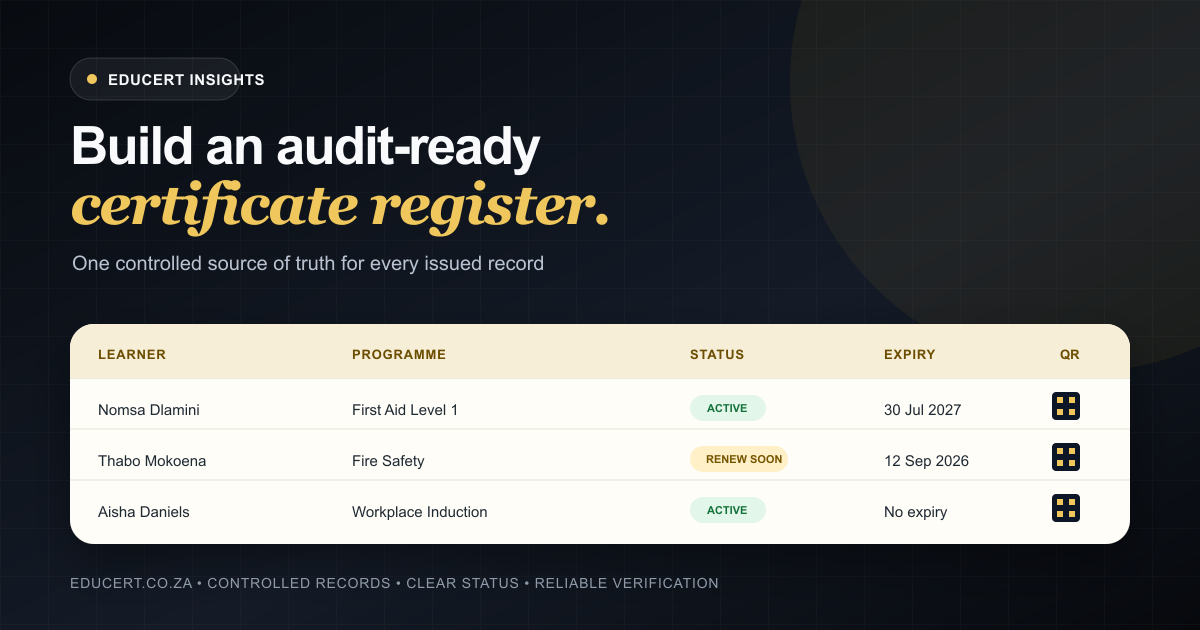
An audit-ready training certificate register provides a structured, searchable and controlled source of truth for issued certificates. It allows authorised users to locate records, confirm their status and produce reliable evidence without rebuilding the organisation’s training history every time information is requested.
For a broader view of the full certificate lifecycle, read our practical guide to audit-ready certificate records.
What does “audit-ready” actually mean?
An audit-ready certificate register is not simply a list of certificate numbers.
It is a record-management system that allows your organisation to demonstrate:
- who completed the training;
- what training was completed;
- when the training took place;
- which organisation issued the certificate;
- when the certificate was issued;
- whether the certificate has an expiry date;
- whether the record is active, expired, replaced or withdrawn;
- what supporting evidence exists; and
- who created or changed the record.
The exact evidence required will depend on the training programme, accreditation framework, client contract and applicable legislation.
The QCTO receives learner information from accredited Skills Development Providers and assessment centres for quality-assurance monitoring, assessment assurance and learner certification. Its provider guidance also stresses proper record-keeping and reporting.
A certificate register should therefore support your compliance processes without being mistaken for compliance itself. Proper training delivery, learner enrolment, assessment, moderation, attendance records, policies and accreditation requirements still need to be managed separately.
Why certificate records become disorganised
Most certificate-management problems do not begin with serious negligence. They develop gradually as an organisation grows.
A small provider may initially issue certificates manually and record them in a spreadsheet. Certificate PDFs are saved in folders and emailed to learners individually.
Over time, several problems begin to appear:
- different employees use different spreadsheet formats;
- learner names and identity numbers are captured inconsistently;
- certificate numbers are duplicated or skipped;
- corrected certificates exist alongside outdated versions;
- expiry dates are missing or calculated incorrectly;
- files are stored on individual computers;
- former employees retain critical knowledge about the system;
- clients request records that take hours to locate; and
- there is no reliable way to verify the status of a PDF.
The certificate may still look professional, but the underlying record is weak.
A static PDF is evidence of what was generated at a particular moment. It does not automatically show whether the certificate remains valid, whether it has been replaced or whether the details match the issuer’s current records.
That is why the certificate register—not the PDF alone—should be treated as the source of truth.
1. Define a standard record structure
Every certificate should be recorded using the same required fields.
At a minimum, your certificate register should include:
Learner information
- full name;
- identity or passport number;
- alternative learner reference number, where applicable;
- email address or contact details, where required; and
- employer or client organisation, where applicable.
Training information
- course or programme name;
- programme code or unit standard details, where applicable;
- training completion date;
- assessment result or competence status;
- training location or delivery method; and
- facilitator, assessor or moderator information, where required.
Certificate information
- unique certificate number;
- date of issue;
- expiry date, where applicable;
- issuing organisation;
- certificate template or version used;
- current certificate status;
- verification reference or QR code; and
- date sent to the learner or client.
The fields should be standardised rather than entered as unrestricted text wherever possible.
For example, allowing employees to type course names manually may produce several versions of the same programme:
- First Aid Level 1
- First Aid L1
- Level 1 First Aid
- Basic First Aid
- FA Level One
A controlled programme catalogue prevents this fragmentation and improves reporting.
2. Use unique certificate numbers
Every issued certificate should have a unique identifier.
The identifier allows the certificate to be located independently of the learner’s name, employer or course. It also reduces the risk of duplicate records and makes communication with employers, learners and auditors more precise.
A certificate-numbering structure may include:
- a provider prefix;
- the year of issue;
- a programme code; and
- a sequential number.
However, the numbering system should not become unnecessarily complicated. The primary requirements are uniqueness, consistency and traceability.
Once a certificate number has been issued, it should not simply be deleted and reused.
Where a certificate is incorrect, the original record should be marked as replaced, corrected or withdrawn. A new certificate can then be linked to the previous record. This preserves the history of what happened instead of making the earlier certificate disappear without explanation.
3. Separate the certificate record from the PDF
The certificate PDF and the certificate record serve different purposes.
The PDF is the document delivered to the learner or client. The certificate record contains the structured data behind that document.
If the PDF is the only record, your organisation may struggle to:
- search certificates by expiry date;
- filter certificates by employer;
- identify all learners who completed a programme;
- monitor upcoming renewals;
- correct an error without losing the previous version;
- confirm whether a certificate is still active; and
- generate reliable reports.
A stronger system generates the PDF from controlled certificate data.
This means the learner name, programme, certificate number, issue date and expiry date are taken from an approved record rather than repeatedly typed into a design file.
4. Record the current certificate status
Not every certificate in your register should be treated as active.
Your system should support clear status categories, such as:
- Draft
- Pending approval
- Issued
- Active
- Expired
- Replaced
- Withdrawn
- Revoked
The available statuses should match your organisation’s policies and the requirements governing the relevant programme.
Status tracking becomes particularly important when a learner’s information is corrected or when a certificate is issued in error.
Without a status system, an outdated PDF can continue circulating even after a replacement has been issued. An employer receiving both documents may have no reliable way to determine which one is current.
5. Track expiry dates and renewals
For programmes with a defined validity period, the expiry date should be calculated and stored when the certificate is issued.
Do not rely on employees to calculate expiry dates manually for every learner. Programme validity periods should be configured centrally and applied consistently.
Your register should allow authorised users to identify:
- certificates expiring within 30 days;
- certificates expiring within 60 or 90 days;
- already-expired certificates;
- employees or clients requiring renewal training; and
- programmes generating the highest renewal demand.
Expiry tracking turns the certificate register from a historical archive into an operational planning tool.
Instead of reacting when a client discovers expired training, the organisation can identify upcoming renewals and act before the evidence becomes outdated.
6. Link certificates to supporting evidence
A certificate is normally the final output of a broader training and assessment process.
Depending on the programme, supporting evidence may include:
- learner registration documentation;
- attendance registers;
- identity documents;
- assessment results;
- assessor reports;
- moderation records;
- statements of results;
- client instructions;
- proof of practical participation; and
- approval or release records.
Not every document needs to be publicly accessible or included directly on the certificate. However, authorised administrators should be able to establish how the certificate was approved and what evidence supported its issue.
The certificate register should either store these documents securely or provide a clear reference to the system in which they are retained.
7. Control who can create and change records
Unrestricted access is one of the fastest ways to undermine a certificate register.
Not every employee should be able to:
- create certificates;
- change learner details;
- approve results;
- alter expiry dates;
- withdraw certificates;
- delete records; or
- modify templates.
Access should be based on defined roles.
For example, a data-capture employee may be allowed to create a draft record, while a quality-assurance administrator approves it for issuing. A facilitator may view certificates linked to their courses but not change approved learner records.
This separation of responsibilities reduces mistakes and creates clearer accountability.
Where possible, the system should also retain an activity history showing who created, approved, changed, issued or withdrew a record.
8. Protect personal information
Certificate registers contain personal information and should be managed accordingly.
South Africa’s Protection of Personal Information Act establishes requirements relating to lawful processing, minimality, information quality, record retention and security safeguards.
In practical terms, this means organisations should consider:
- why each item of learner information is being collected;
- whether the information is necessary;
- who may access it;
- how long it should be retained;
- how inaccurate information can be corrected;
- how records are protected against unauthorised access; and
- what information is displayed on public verification pages.
A public verification page should provide enough information to confirm the certificate’s authenticity without exposing unnecessary personal data.
For example, publishing a learner’s full identity number on an unrestricted public page would generally create more risk than value. A verification system can instead display limited identifying information alongside the certificate number, programme, issuer, dates and current status.
9. Provide a reliable verification process
Employers and clients should not need to email the training provider every time they want to confirm a certificate.
A verification process may use a certificate number, verification link or QR code to connect the document to its source record.
The verification result should clearly show:
- whether the certificate record exists;
- the certificate’s current status;
- the learner or holder details required for confirmation;
- the programme completed;
- the issuing organisation;
- the issue and expiry dates; and
- whether the certificate has been replaced or withdrawn.
EDUCERT certificates can include a QR code linking to a public verification page. This allows employers, clients and auditors to check the current status from the source record rather than relying only on the PDF presented to them. See the EDUCERT verification demonstration for an example.
10. Test the register before an audit
Do not wait for a formal audit or urgent client request to discover that your records are incomplete.
Run an internal test by selecting a sample of issued certificates and asking your team to produce:
- the certificate record;
- the issued PDF;
- the learner’s relevant details;
- the training and assessment dates;
- the current certificate status;
- the expiry date, where applicable;
- the supporting evidence; and
- the issuing and approval history.
Then test the reverse process.
Select a client, employer or programme and request all relevant certificates. Check whether your team can produce a complete and accurate list without manually combining multiple spreadsheets.
Any missing, duplicated or contradictory information should be treated as a process weakness that needs correction.
Common warning signs that your register is not audit-ready
Your certificate-management process requires attention when:
- only one employee understands how records are stored;
- certificate numbers are assigned manually without validation;
- issued certificates can be deleted without retaining a history;
- corrected certificates overwrite the original files;
- expiry dates are managed in separate spreadsheets;
- certificates cannot be searched by learner, employer or programme;
- there is no distinction between active and withdrawn certificates;
- public verification depends on emailing an administrator;
- certificate templates contain manually typed learner data;
- records are stored across personal computers and inboxes; or
- your team cannot quickly produce a complete client training record.
These problems may appear administrative, but they affect trust, service delivery and the credibility of the issuing organisation.
How EDUCERT supports audit-ready certificate records
EDUCERT provides certificate infrastructure for South African training and compliance records.
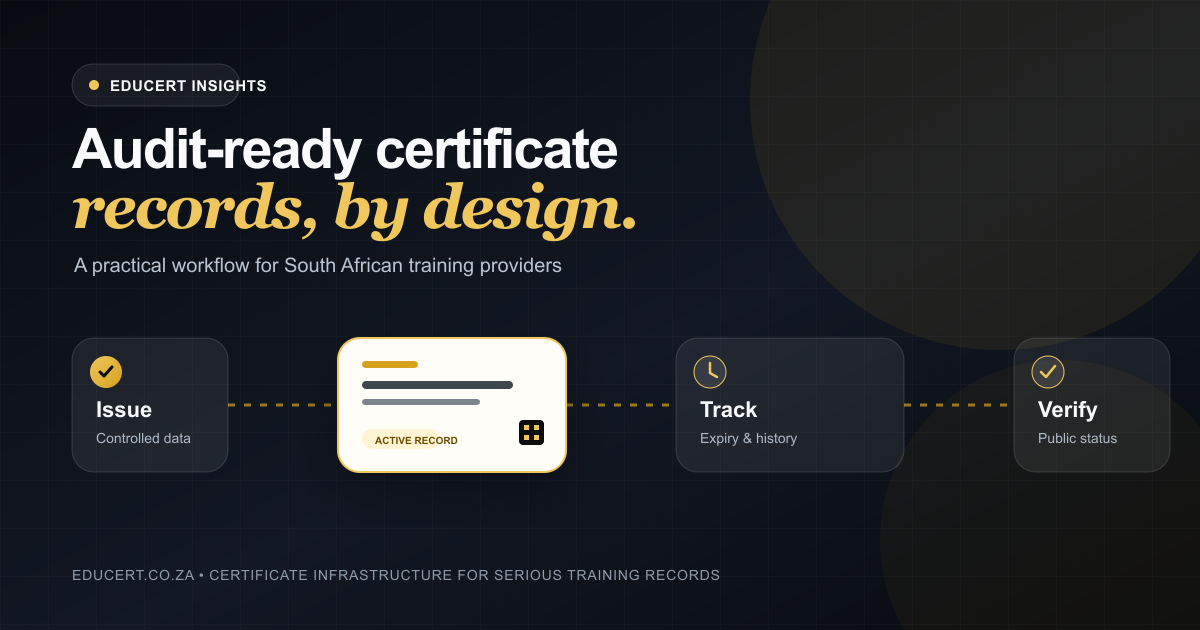
The platform allows organisations to manage the certificate lifecycle through one controlled workflow:
- create reusable certificate templates;
- issue individual or bulk certificate records;
- deliver professional certificate PDFs;
- provide QR-linked verification;
- search and filter certificate records;
- track certificate status and expiry dates; and
- manage recurring renewal cycles.
Its certificate register is designed to provide a searchable source of truth, while programme settings can be reused for default validity periods, outcomes and certificate templates.
EDUCERT supports the records needed for stronger compliance workflows, but it does not replace accreditation, quality assurance, assessment, workplace controls or the organisation’s legal obligations.
That distinction matters.
The goal is not to claim that software makes an organisation compliant. The goal is to remove certificate-record chaos so that the organisation can produce reliable evidence when it is required.
Build the register before you need it
An audit-ready certificate register is not created the day before an audit.
It is created through consistent data standards, controlled issuing, clear certificate statuses, secure access and reliable verification.
The earlier these controls are introduced, the easier it becomes to maintain accurate records as certificate volumes increase.
A well-managed certificate register gives training providers, employers and compliance teams a faster answer to a basic but important question:
Can this certificate be trusted?
With EDUCERT, every certificate can be connected to a searchable source record, monitored throughout its lifecycle and verified directly from the issuing organisation’s current data.
Review EDUCERT pricing or book a demonstration to start building a more controlled certificate register.